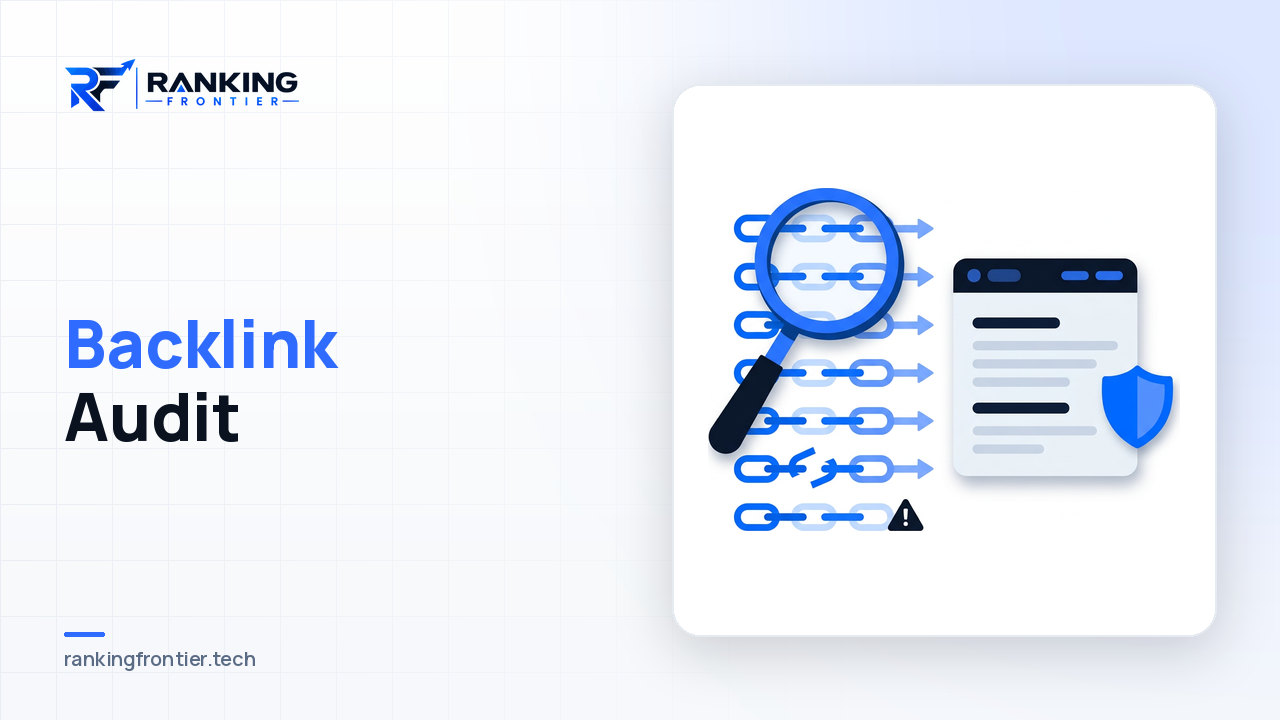
A backlink audit answers a question most site owners avoid until something goes wrong: what is actually pointing at this domain, and is any of it doing harm? Old agencies, expired directories, scraped copies and the occasional spam attack all leave marks on a link profile, and you rarely know which until you look.
This article walks through how to audit backlinks properly: what to export, how to sort a large list without reviewing every URL by hand, how to tell a genuinely toxic link from one that is merely unimpressive, and when the disavow tool is the right response versus an unnecessary risk.
When a backlink audit is worth doing
Not every site needs a full audit every quarter. It is worth the time in four situations:
- You inherited the domain from a previous owner, agency or team and don't know what was built.
- Rankings dropped and the on-page and technical explanations have been ruled out.
- You received a manual action notice in Search Console about unnatural links.
- You are about to invest in new link building and want a clean baseline to measure against.
Outside of those, a light monthly check of new referring domains catches most problems early and takes fifteen minutes.
Step 1: Collect the full link data
No single source sees every link. Export from Google Search Console first, because that is the list the search engine itself is working from. Then add exports from whichever third-party link index you use. Merge them, deduplicate by linking URL, and keep the columns that matter: linking page, linking domain, target URL on your site, anchor text, and whether the link is followed.
Work at the domain level for the first pass. Ten thousand linking URLs might come from six hundred domains, and the decision about a domain usually applies to every link on it.
Step 2: Segment before you judge
Reviewing six hundred domains one by one is how audits stall. Segment first so that most of the list resolves itself.
Obvious keeps
Links from sites you recognise: industry publications, partners, customers, directories you deliberately listed in, articles you contributed. Mark them and move on.
Obvious pattern spam
Sort by anchor text and by domain name. Clusters jump out: dozens of domains with the same commercial anchor, domains whose names are strings of unrelated keywords, links from pages in languages your business has never operated in, hundreds of sitewide footer links from one network. These are candidates for the toxic list.
The middle
Everything left is where the actual review happens. This is usually far smaller than the full list.
Step 3: Decide what "toxic" actually means
The word gets overused. A toxic backlink is one that exists to manipulate rankings and looks like it: paid placements with commercial anchors on irrelevant sites, private blog networks, automated comment or forum spam, hacked pages, links from sites that only exist to sell links. Those are the ones a manual reviewer would flag.
What is not toxic: a low-authority but genuine blog that mentioned you, a small local directory, a forum thread where someone shared your guide, a scraped copy of your article that kept the links. These are weak, not harmful, and search engines are generally good at simply ignoring them. Treating every low-score link as a threat leads to over-disavowing, which can remove real value.
When reviewing a domain in the middle segment, ask three questions: does the site have a real audience or purpose beyond linking out, does the linking page make sense as a place your site would be mentioned, and does the anchor text look like something a person would write? Two or more "no" answers put it on the watch list.
Step 4: Look at the anchor text profile as a whole
Individual links tell you less than the overall distribution. A natural profile is dominated by branded anchors, bare URLs and generic phrases, with a minority of descriptive or topical anchors. If a large share of your links use the same money keyword, that pattern itself is the risk, regardless of the quality of each linking site.
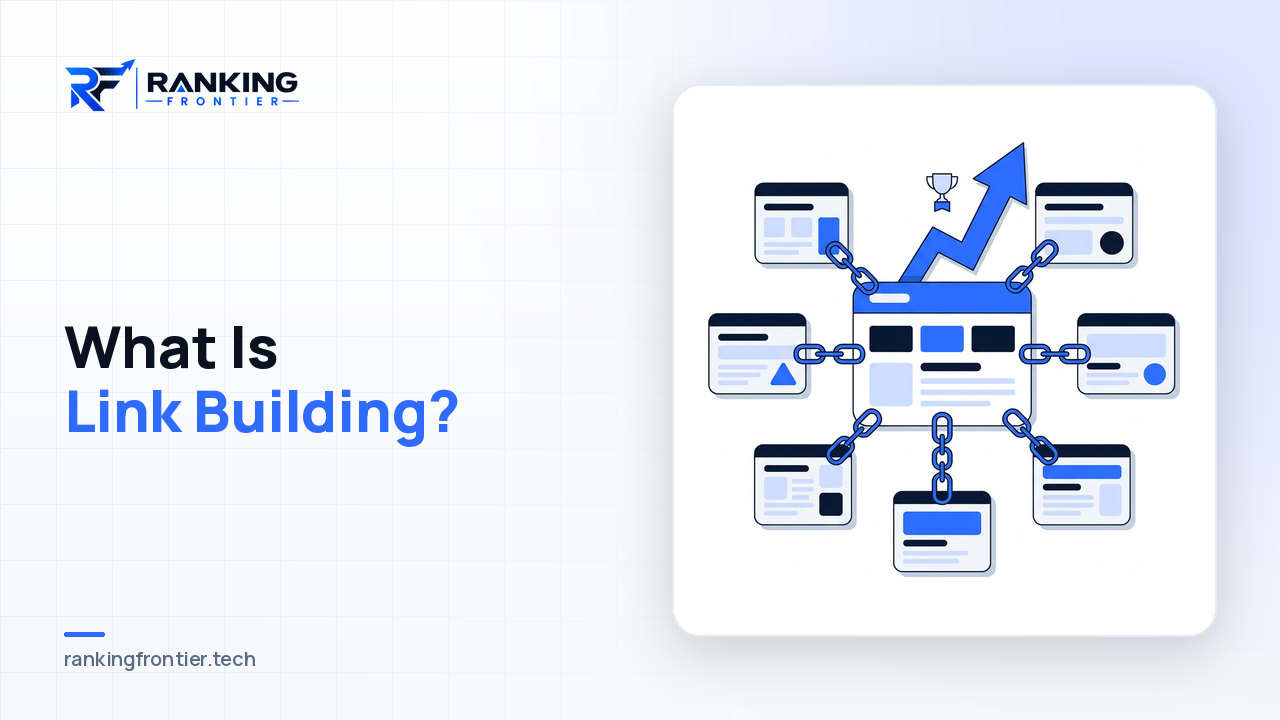
This is also the point where you learn something about your own past. Heavy exact-match anchors usually trace back to a specific campaign or vendor, and that tells you which segment of the list deserves the most scrutiny. Understanding what good link building looks like makes it much easier to spot the imitation.
Step 5: Decide whether to disavow at all
The disavow tool tells search engines to ignore specific links or domains when assessing your site. It is a real tool with real consequences, and it is used far more often than it needs to be.
Disavow when you have a manual action, or when you find a clear, large-scale pattern of manipulative links that you or a previous vendor built and can't remove. In those cases a disavow file is part of the clean-up.
Do not disavow because a tool assigned a scary score to a handful of weak links, or because you saw a negative-SEO style spike of junk you had nothing to do with. Search engines are designed to discount links like these, and removing them yourself gains nothing while risking the removal of links that were quietly helping.
If you do submit a file, work at the domain level for clear networks, keep a dated copy, and record the reasoning next to each entry. Six months later you will not remember why a domain was included.
Removal requests: worth it or not?
Before disavowing, it is sometimes worth asking a site to remove a link. This is realistic when the link is on a legitimate site that made an editorial mistake, when it points at a page that no longer exists, or when you have a relationship with the owner. It is not realistic for spam networks, which either don't respond or reply with a fee. Send a short, polite request with the exact URL and move on if there is no reply within a couple of weeks.
After the audit: build a baseline
The most useful output of a backlink audit is not the disavow file; it is a clear picture of what the profile looks like now, so future changes are visible. Save the segmented spreadsheet, note the count of referring domains and the anchor distribution, and set a monthly reminder to review new links only. New spam patterns and new good links both show up quickly against a known baseline.
A clean baseline also changes how you approach future work. When you know which pages have genuine authority and which have none, decisions about where to point new link building effort get much simpler, and the results are easier to attribute.
FAQ
How often should I audit backlinks?
A full audit once a year is enough for most sites, plus a short monthly review of newly discovered referring domains. Do a full audit immediately if you take over a domain, receive a manual action or see an unexplained ranking drop.
Can a backlink audit improve rankings on its own?
Only if the profile contained links that were actively causing a penalty or a manual action. For most sites the audit's value is diagnostic: it rules link problems in or out, so you can focus effort where the real issue is.
Should I disavow links I didn't build?
Usually not. Random spam that you had no part in is exactly what search engines already expect to see and discount. Reserve the disavow tool for clear manipulative patterns, especially ones connected to your own past campaigns, and for manual actions.
Conclusion
A backlink audit is not a search for things to delete. It is a structured way of understanding what your link profile is made of, separating the genuinely manipulative from the merely weak, and deciding calmly whether any action is needed. Collect complete data, segment before you judge, read the anchor profile as a whole, and use the disavow tool sparingly. The outcome you want is confidence in the baseline, so that every link earned from here on is built on ground you understand.