
The article that used to bring in a steady stream of visitors and now brings half as many has not stopped being useful. It has stopped being the best answer. Newer pages cover the topic more completely, the details it cites have aged, and the results page has moved on. Refreshing that article is usually faster than writing a new one and, because it already has history and links, more likely to recover traffic.
This guide explains how to update old blog posts properly: how to find the pages that will respond to a refresh, how to decide between update, merge and retire, what a real refresh involves beyond changing the date, and how to measure whether it worked.
Why content decays
Pages lose traffic for predictable reasons. The information goes out of date. Competitors publish more thorough pieces. The intent behind the query shifts, so a definition article is now competing with how-to guides. Internal links that once pointed at the page are lost in redesigns. Or the page was simply never as complete as it could have been and has slowly been overtaken.
None of those are fixed by republishing with today's date. Search engines compare the page to the current alternatives, and a date change with no substantive edits changes nothing about that comparison.
Finding the pages worth refreshing
Not every declining page deserves attention. Look for the ones where effort will pay back.
Declining but still ranking
In Search Console, compare the last three months to the same period a year earlier. Pages whose clicks have dropped but that still rank somewhere on the first two pages for their main query are the best candidates: the demand exists, the page is still in contention, and a stronger version can move up.
High impressions, low click-through
Pages that appear often but are rarely clicked usually have a title and description problem, or they rank for a query their content doesn't quite answer. Sometimes the fix is a rewrite of the opening; sometimes it is realigning the whole page to the intent.
Pages with links but little traffic
An old page with a decent number of referring domains and hardly any visits is authority sitting idle. Refreshing it, or redirecting it into a stronger page, puts that authority back to work.
Skip pages on topics you no longer want to be known for, and pages whose queries have genuinely disappeared. Not everything should be saved.
Update, merge or retire?
For each candidate, decide which of three actions fits.
- Update when the page targets a topic you still care about and the core is sound. Most candidates land here.
- Merge when you have two or more pages competing for the same query. Combine the best material into the strongest URL and redirect the others to it. Cannibalising pages split links and rankings between them; one good page beats three overlapping ones.
- Retire when the topic is obsolete, the page has no links and no traffic, and there is no natural page to redirect to. Remove it and return a 410 or 404. Thin, dead pages don't help a site.
Merging is where most of the surprising gains come from, because it fixes a structural problem rather than polishing a single page. If you've mapped your content into topic clusters, overlaps tend to be obvious; if not, a spreadsheet of URLs and their main queries will reveal them.
What a real content refresh involves
A refresh worth doing changes what the page offers, not just how it looks. Work through the page in this order.
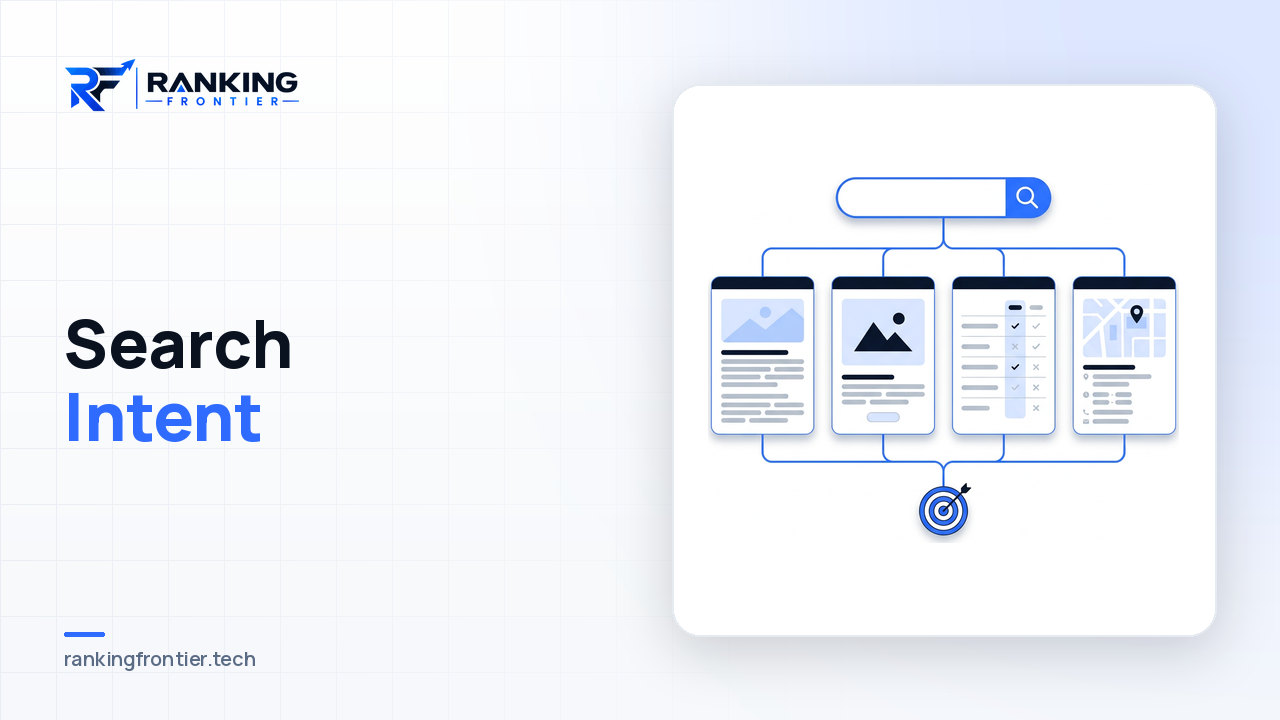
- Re-check the intent. Search the main query and look at what ranks now. If the format has shifted (from articles to tools, from overviews to step-by-step guides), the page needs to shift with it. The principles in our search intent guide apply directly.
- Fix everything that is wrong or dated. Prices, product names, screenshots, features, references to "this year". Remove claims you can no longer stand behind.
- Fill the gaps. Compare your headings to the better-ranking pages. Which questions do they answer that you don't? Add those sections with genuine substance, not padding.
- Cut what no longer earns its place. Refreshing is also editing. Long introductions, repeated points and tangents that made sense in the original context can go.
- Rewrite the opening. The first two paragraphs should answer the query directly and make it clear why the page is worth reading. Old posts often bury this.
- Update the title and meta description. Reflect the improved page. If click-through was the problem, this is where it gets fixed.
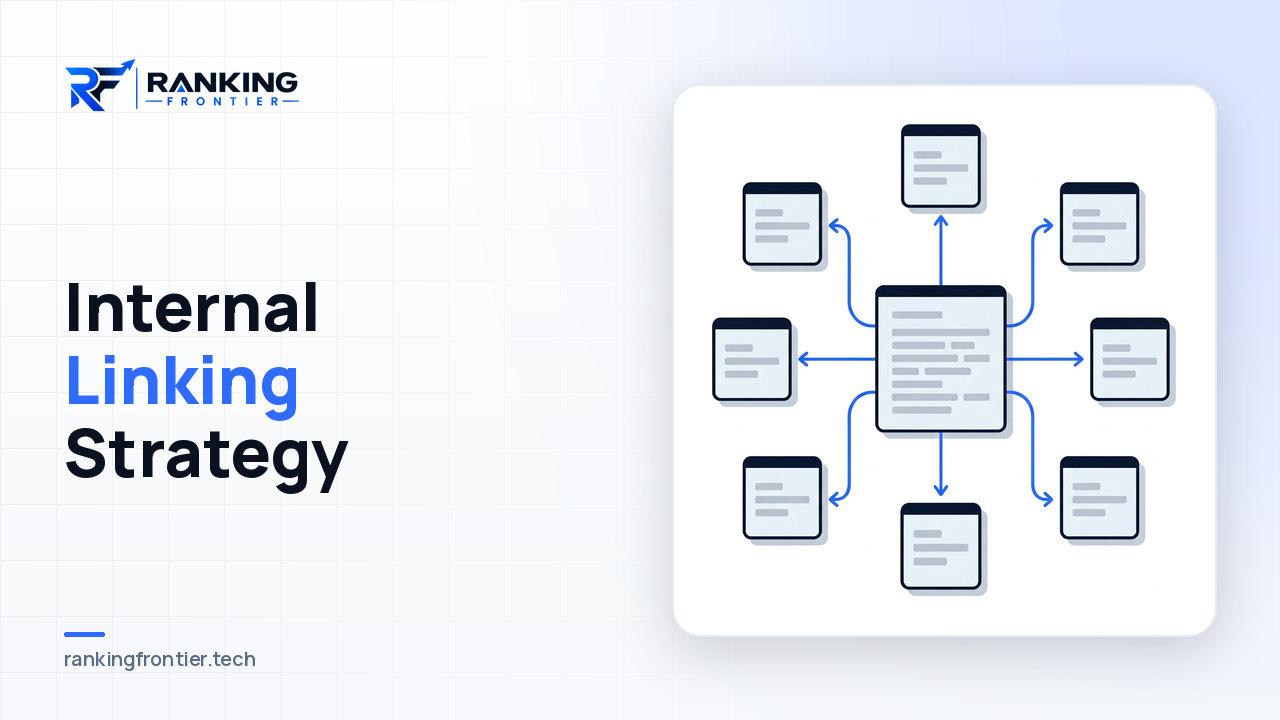
- Refresh internal links in both directions. Link from the refreshed page to newer relevant content, and add links to it from pages published since it went live.
- Update the date honestly. Show a "last updated" date alongside the original publication date when the changes are substantive. Don't reset the publish date on a page with minor edits.
What not to change
Keep the URL. Changing it throws away the page's history and links, and redirects recover only part of that. Keep the parts of the page that are already ranking well; check which queries send traffic and make sure the sections answering them survive the edit. And keep the heading IDs or anchors that other pages link to, so you don't break inbound deep links.
Measuring whether the refresh worked
Note the date of every refresh in a simple log alongside the page's clicks, impressions and average position for its main queries at that point. Check again after four to eight weeks, then at three months. Search engines need to recrawl and reassess the page, so the first fortnight tells you little.
What you're looking for: improved position on the target queries, more clicks at the same impression level (a title fix), or new queries appearing (new sections working). If nothing moves after three months, the diagnosis was probably wrong, and the page may be competing with a stronger page on your own site or facing a query that has changed shape entirely.
Making refreshes routine
Content refreshing works best as a habit rather than a rescue mission. Once a quarter, pull the declining-pages report, pick the five to ten with the best case, and schedule them alongside new content. Many teams find that a balanced calendar, with a meaningful share of effort going to updates, outperforms a publish-only approach because the updated pages already have the authority new pages spend months earning.
That balance is a planning decision as much as a writing one. A content marketing plan that only counts new articles tends to undervalue the library it already has.
FAQ
How often should old blog posts be updated?
There's no fixed interval. Review performance quarterly and refresh pages when they show decline or when the underlying facts change. Fast-moving topics might need attention yearly; evergreen guides may go several years between substantive edits.
Should I change the publish date when I update an article?
Show a separate "updated" date when the changes are substantive, and leave the original publish date intact. Resetting the publish date for cosmetic edits misleads readers and doesn't fool search engines, which compare content rather than timestamps.
Is it better to refresh an old post or write a new one?
If the old post targets a topic you still care about and has any history or links, refresh it. Writing a new post on the same topic creates two competing pages and starts from zero authority. Write new when the topic is genuinely new.
Conclusion
Updating old blog posts is one of the highest-return activities in content marketing because it builds on work that already exists. Find the pages that are declining but still in contention, decide honestly between update, merge and retire, and then do a real refresh: re-check intent, fix what's dated, fill the gaps, cut the padding and rewire the internal links. Measure over months, not days, and make the process a quarterly habit. Your library is an asset; maintenance is what keeps it one.